Infini-Cube is a Minecraft inspired game made in the Unity Engine. This game was made as a passion project to Minecraft and to test how procedural world generation would work in C#
Gameplay
World Generation
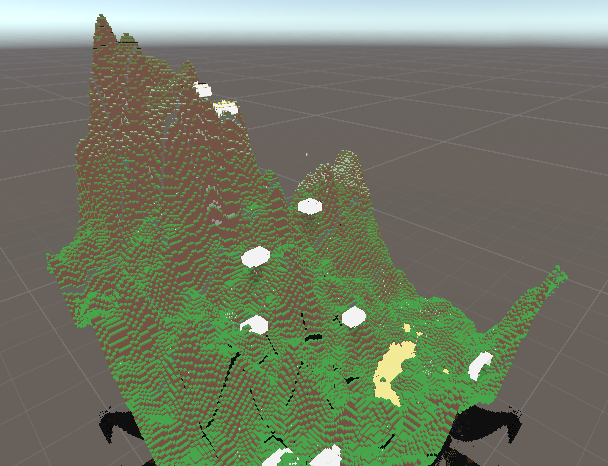
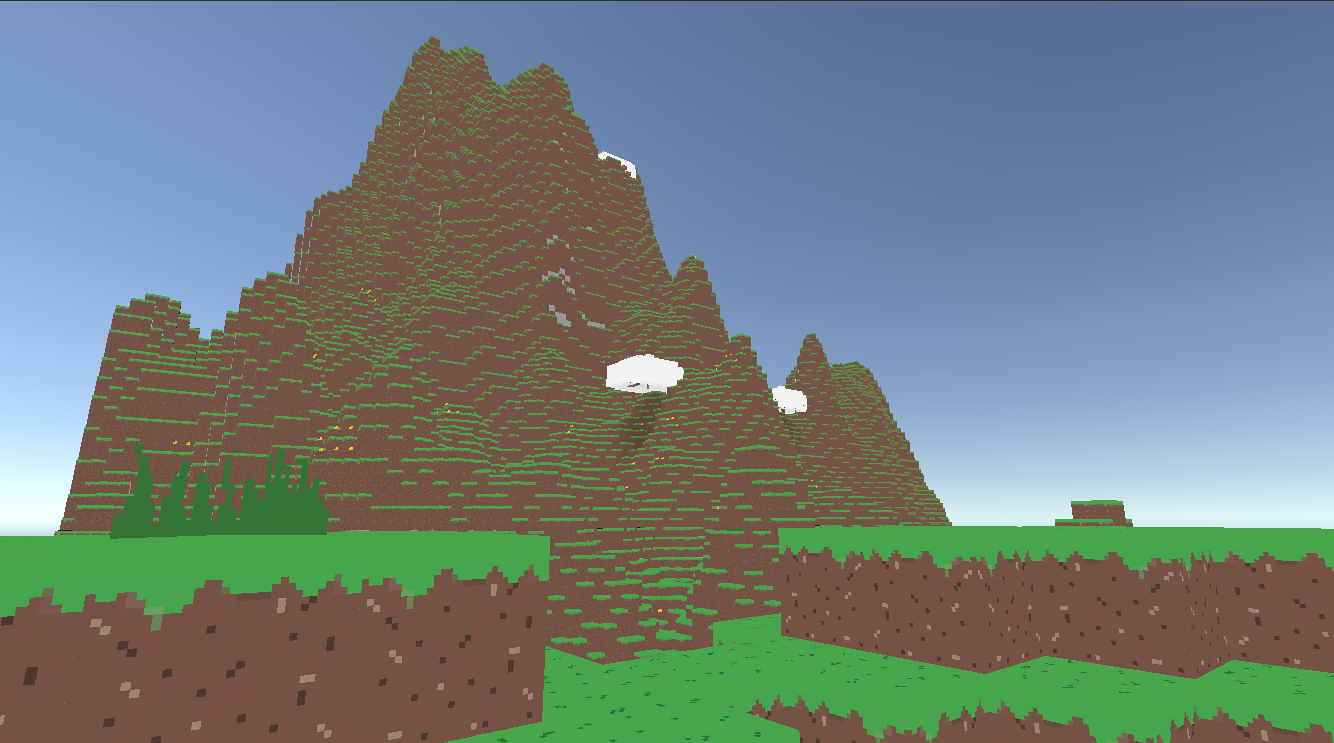
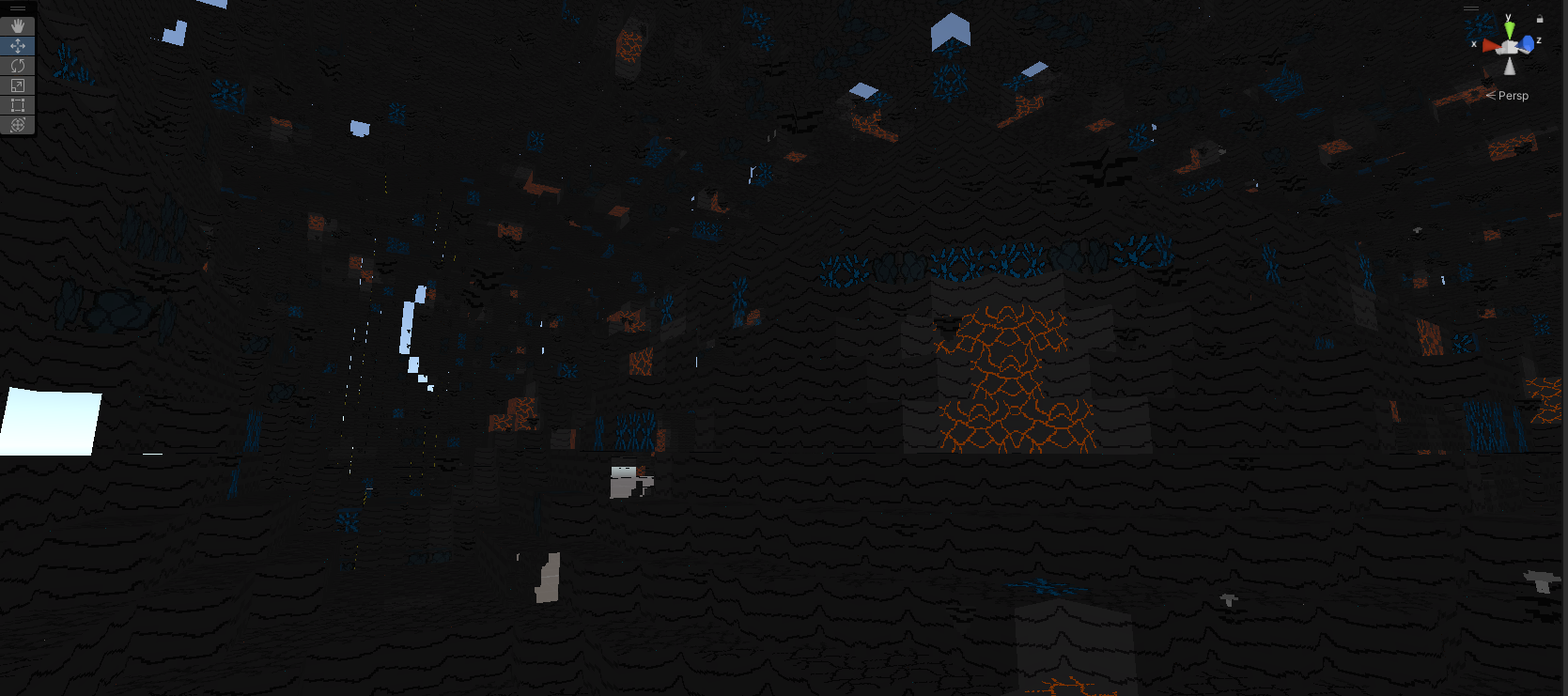
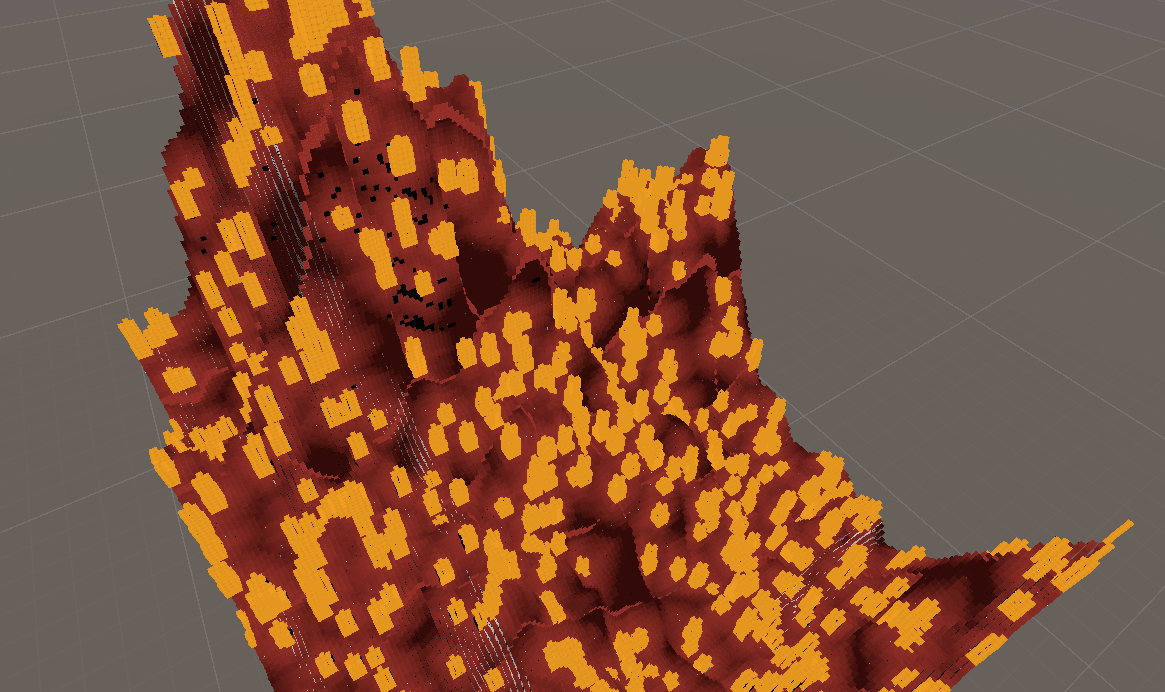
The world of Infini-Cube is procedural generated. The world consist of chunks that which are 16x200x16 with three different layers. The first layer generated in the Core. This layer has 3 unique biomes being the Rhyolite Fields, Crystal Caverns and the Brimstone Chasm. [Pic] The Second layer generated in the Basalt layer. This is a cavernous region allowing for easy mining but there are dangerous mobs to fight here. The final layer is the surface layer. This has the most abundant biomes and friendly creatures such as the caterpillar. Each of theses areas are created with specific blocks that correlate to a biome and layer. Each block is a Scriptable Object which holds texture data, shape data and more
Surface Layer
Basalt Layer
Core Layer
Player Controller
With every game there has to be a player and Infini-Cube is no different. As the player you can mine, place blocks and use items.
Mobs
Mobs are non-playable characters that can be friendly or hostile towards the player. One of these Mobs are the Caterpillar. The Caterpillar is a friendly mob that crawls around the world. After an hour it will transform into a cocoon block where it will become a Butterfly or a Moth depending on the time of day. Another mob is the hostile Ghost. This enemy flies around the world and can go through blocks. When killed it will drop some Protoplasma that the Player can use as a crafting ingredient. There are also factions within Infini-Cube. These factions are the Wise-Men and the Bio Men. Both act similarly by giving quests and trading items but if you anger them by supporting one side or killing them they will become hostile and the entire faction will try to kill you until you raise your reputation with them.
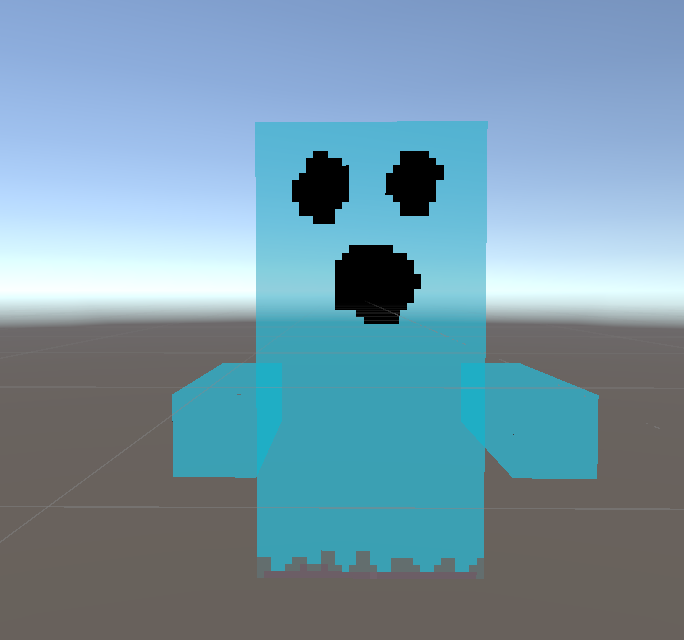
Ghost
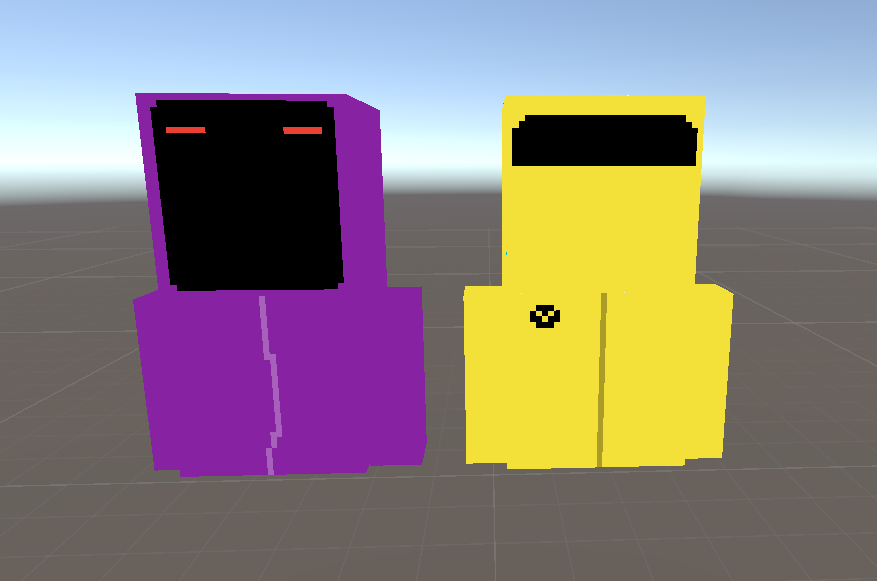
Wise Man and Bio Man
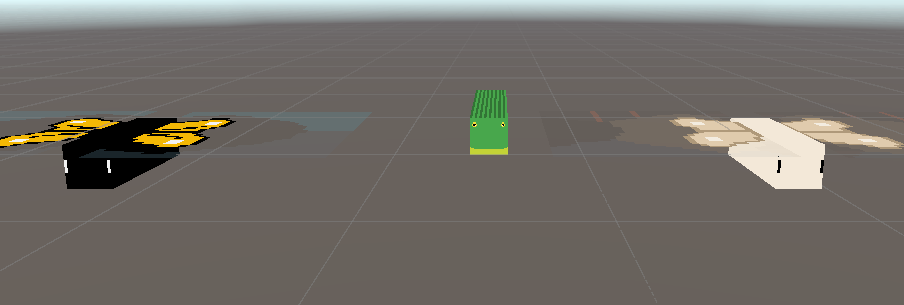
Butterfly, Caterpillar and Moth
Crafting
There are three main methods of crafting in the game. The Workbench which allows you to take items and transform them into new items or blocks. The Forge which allows you to cook and combine items together to make new items. And the Cauldron which allows you to create different potions and combine potions with all the items and blocks.
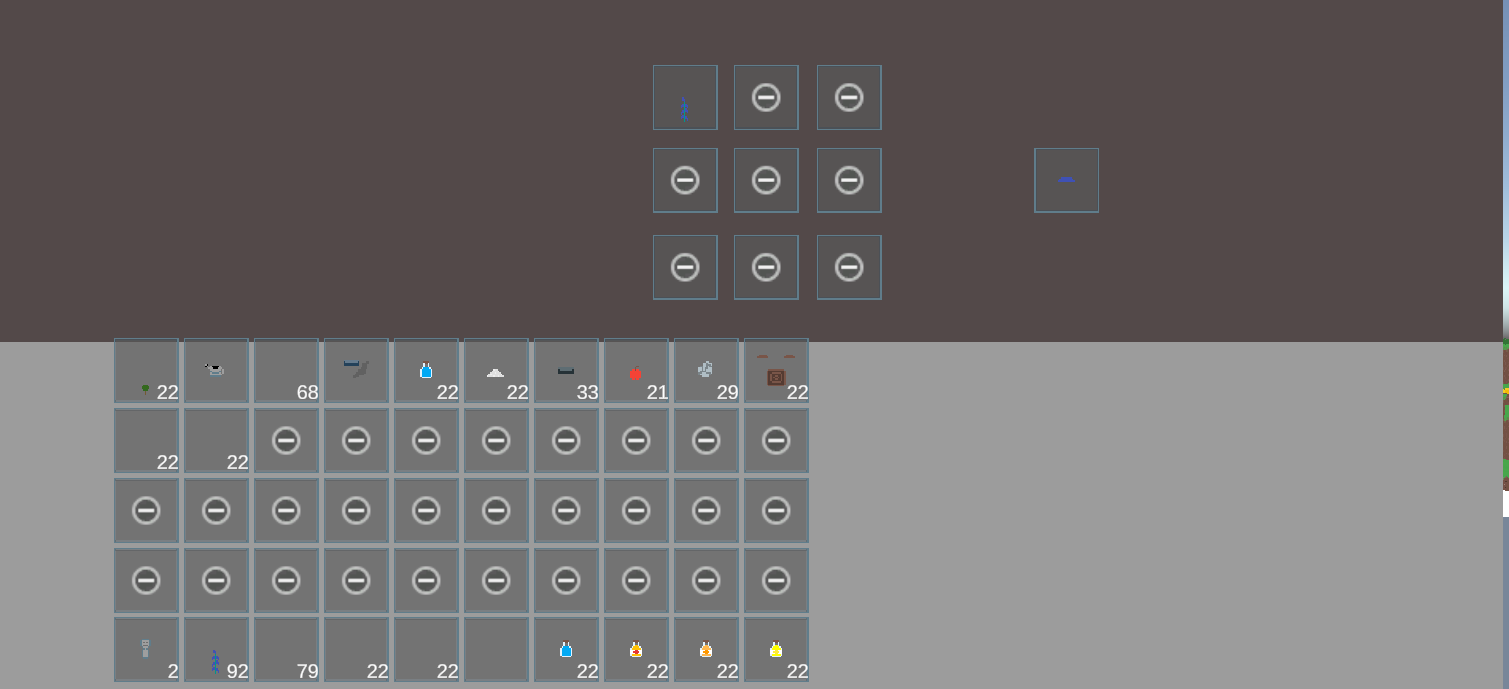
Crafting UI
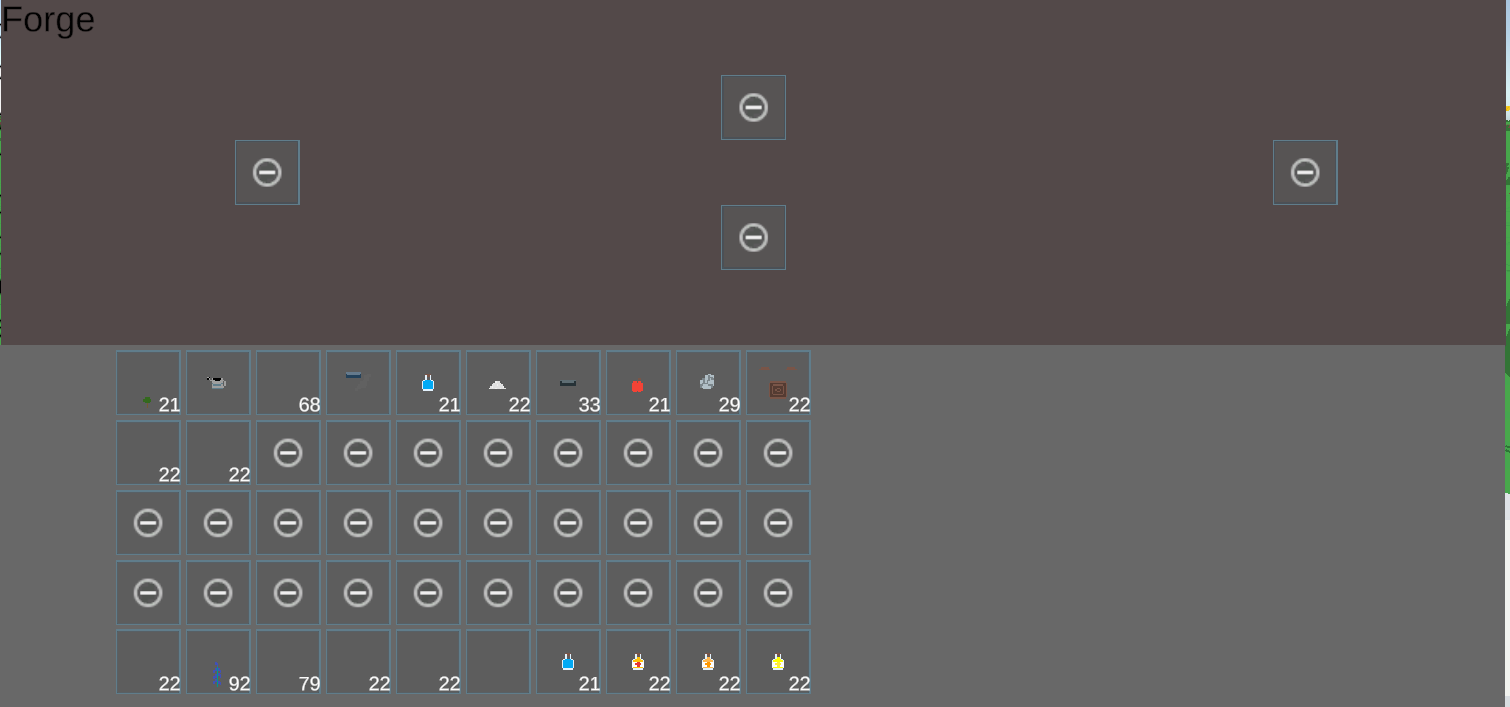
Forge UI
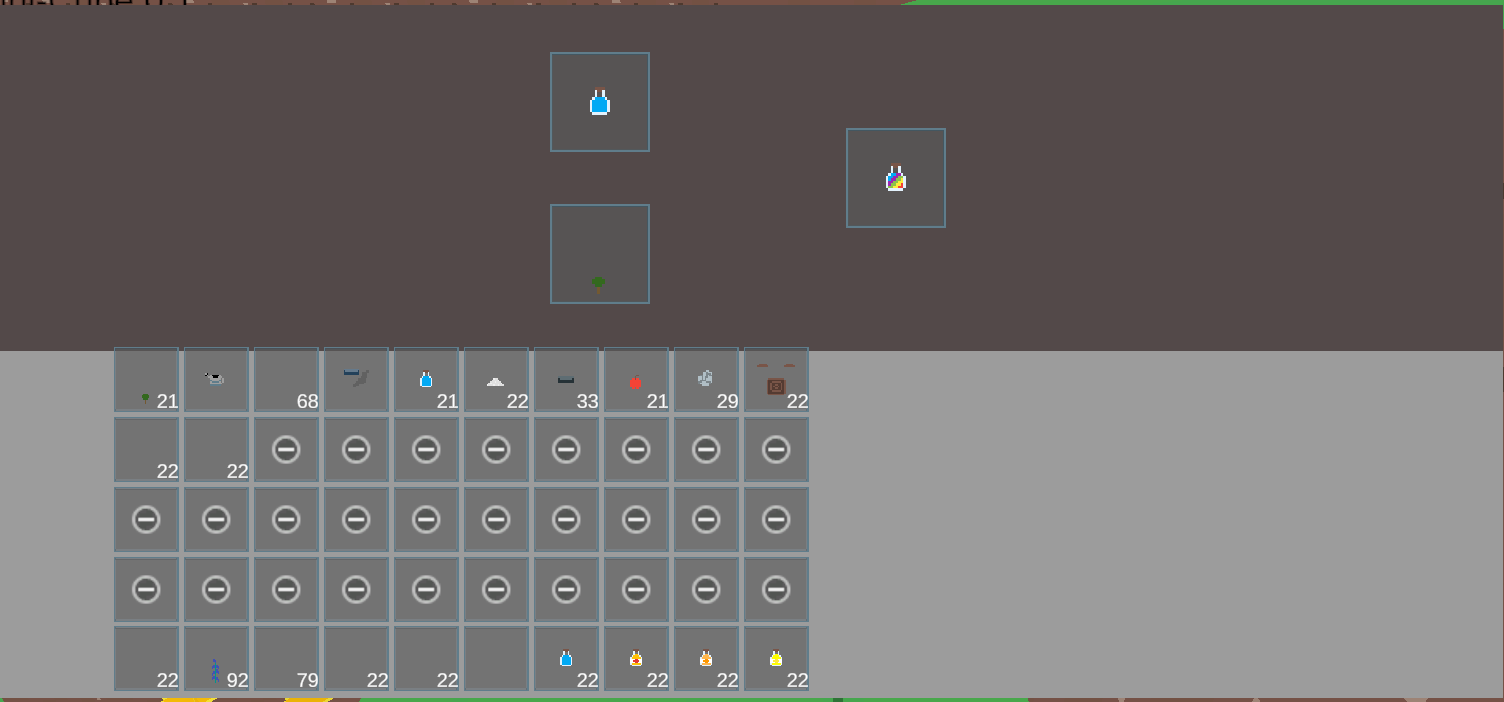
Cauldron UI
Technologies
Unity Game Engine
The game was built thanks to the Unity Game Engine. The game uses many resources provided by Unity such Meshing, Ray casting and Debugging.
Visual Studio
Since the coding language of Unity is C# Visual Studio was the editor of choice to code in.
GitHub
GitHub is used to hold a private repository of the code.
Technologies Learned
Perlin Noise
This creates pseudo random numbers between 0-1 (in Unity). This technology was utilized to create height maps, caves and biome placement within the world.
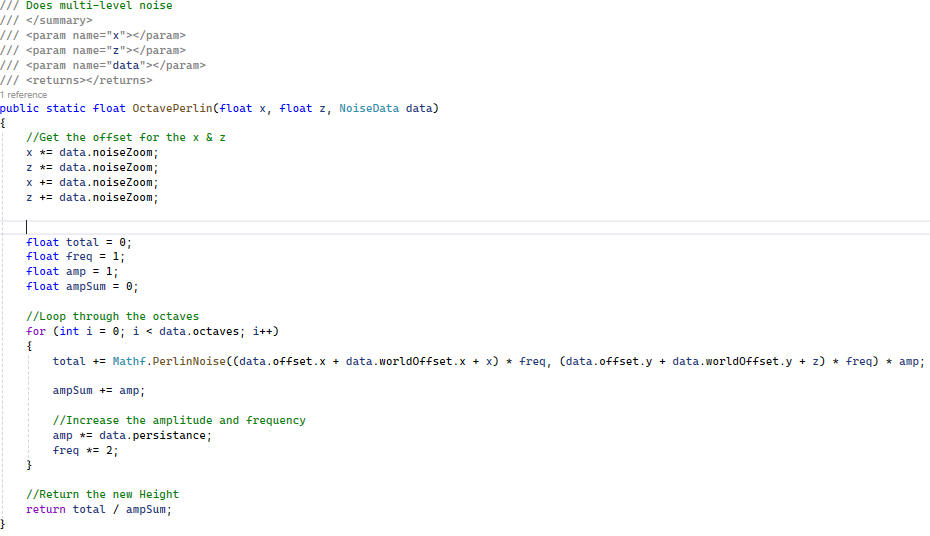
Code snippet of multi-level noise
Unity Meshes
This allows for 3D models to be rendered within the game. This was utilized to model the Blocks and Mobs.
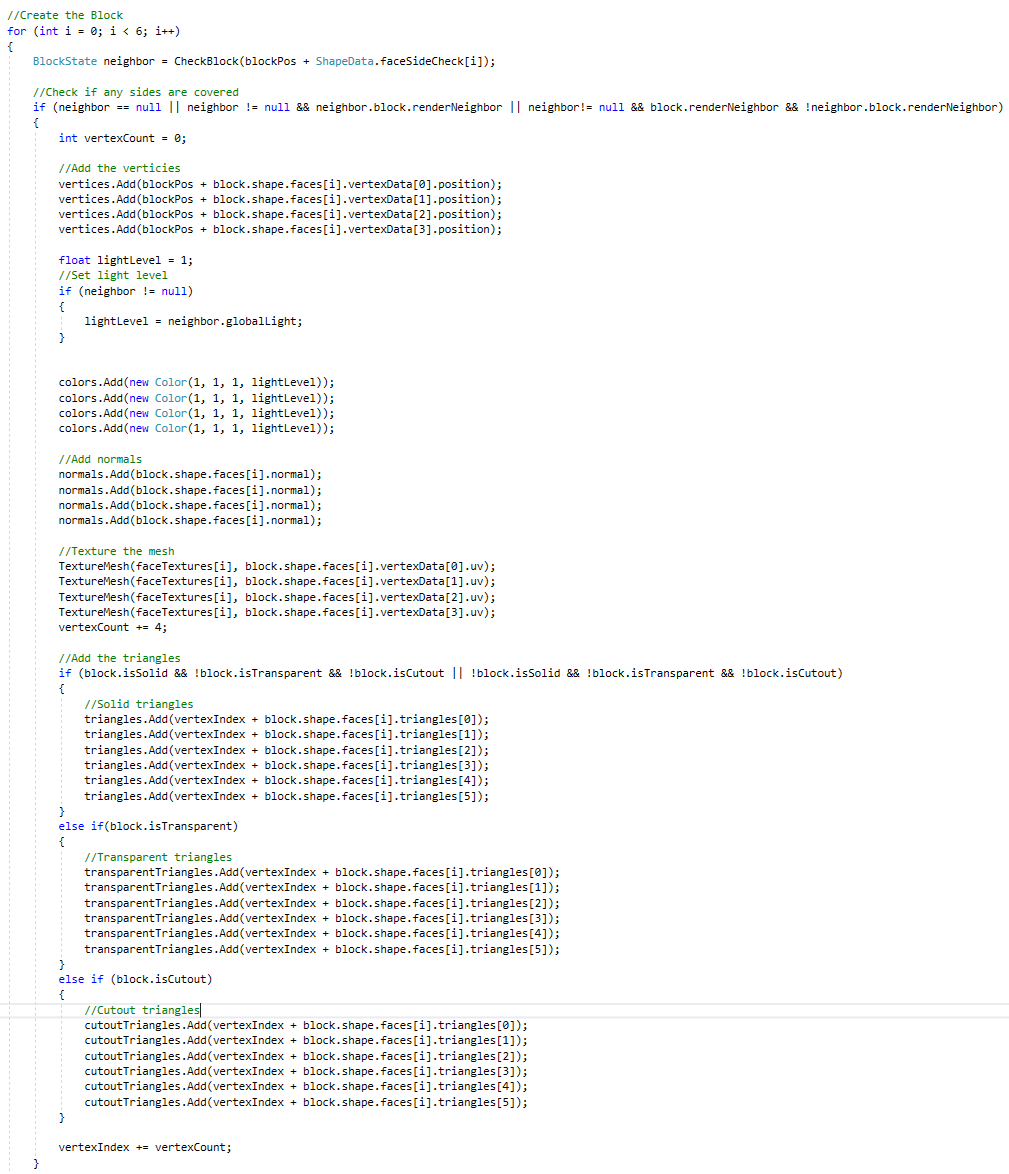
Code Snippet of creating the block mesh
Unity Shaders
Unity Shaders was also learned in this project. The Shader system in Unity is not C# code but HSLS. This allows for different effects and lighting on 3D models within Unity. This was utilized to make the lighting in the game.
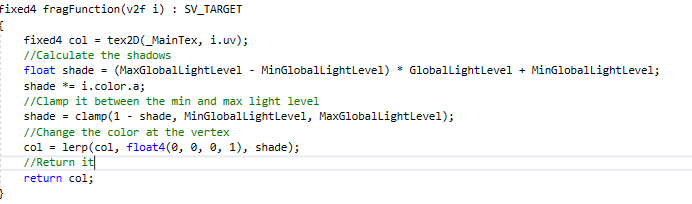
Code snippet of creating shadows with shaders
Generation Approach
The first part is the biome generation. A biome is selected and the blocks are pulled from the selected biome. Then the chunk starts to populate its self with the blocks from the biome. During population it will calculate the terrain height. Anything below the terrain height is the blocks and anything above is air. Once the chunk is populated it will start adding any modifications such as trees and structures. Once the modifications are complete the chunk goes through meshing where it gets textured. This is done with each chunk near the player.
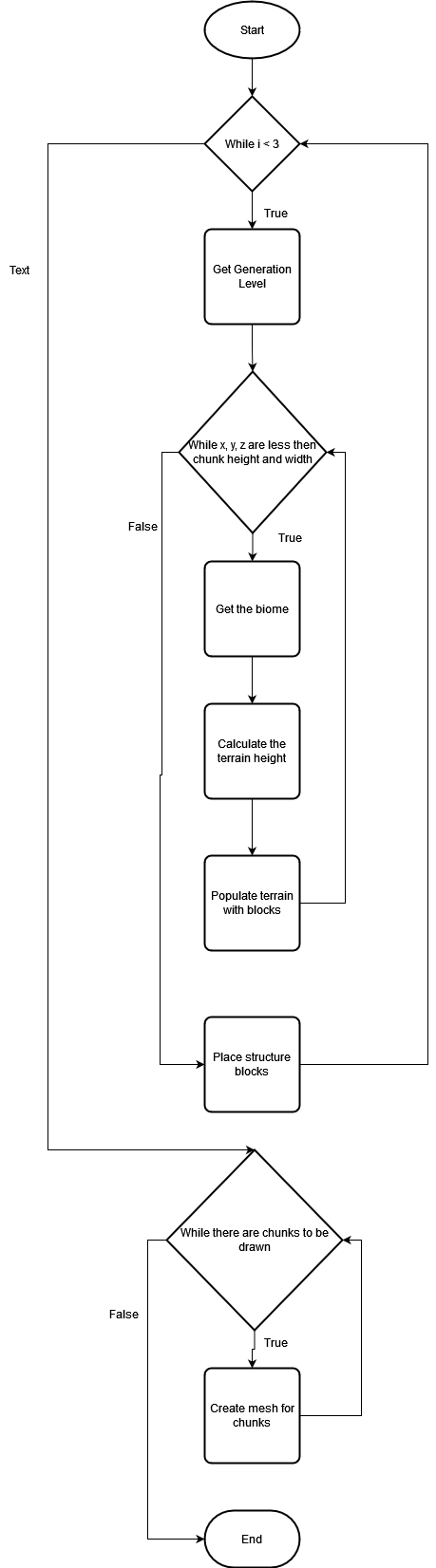
Chunk creation flowchart
Risks & Challenges
There were several risks and challenges in the project such as meshing, creating an enemy mesh, creating structures and checking if every block had a loot table. This was tough since it was all generated through code with no visual representation. To help with this a Debug World was created. Here I could see all the entities, blocks and structures created. Along with this it would iterate through each block and check for a loot table if it didn't have one it would create a log.
Another risk was performance. While there are still some performance issues a majority of them have been squashed. One such issue was the infinite world generation. This is done thanks to threads. As the player walks closer to an empty chunk it deactivates an old chunk and repurposes it for a new chunk. It does this by doing the same processes it did during the initial generation but in a new chunk thread.
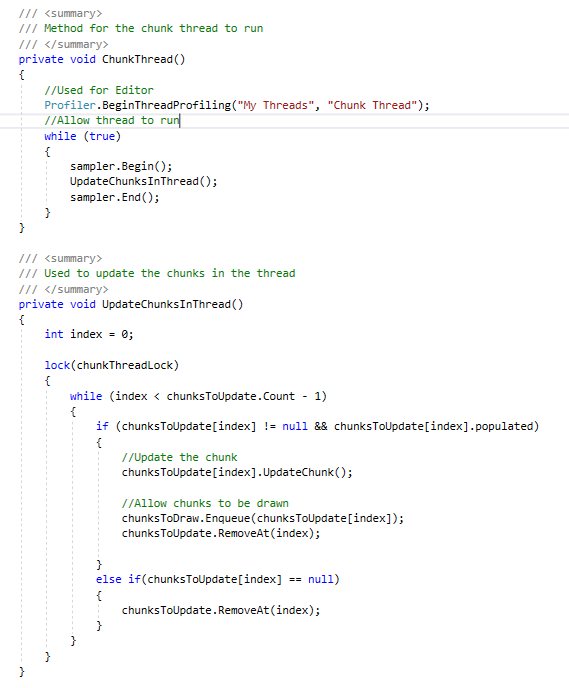
Chunk Thread Snippet
Outstanding Issues
1. Light Blocks are affected by Global Light
2. Flying mobs can go through the world
3. Hit Boxes can be too small to interact and collide with
4. Lag spike when generating new terrain
5. Takes a long time to load into the game